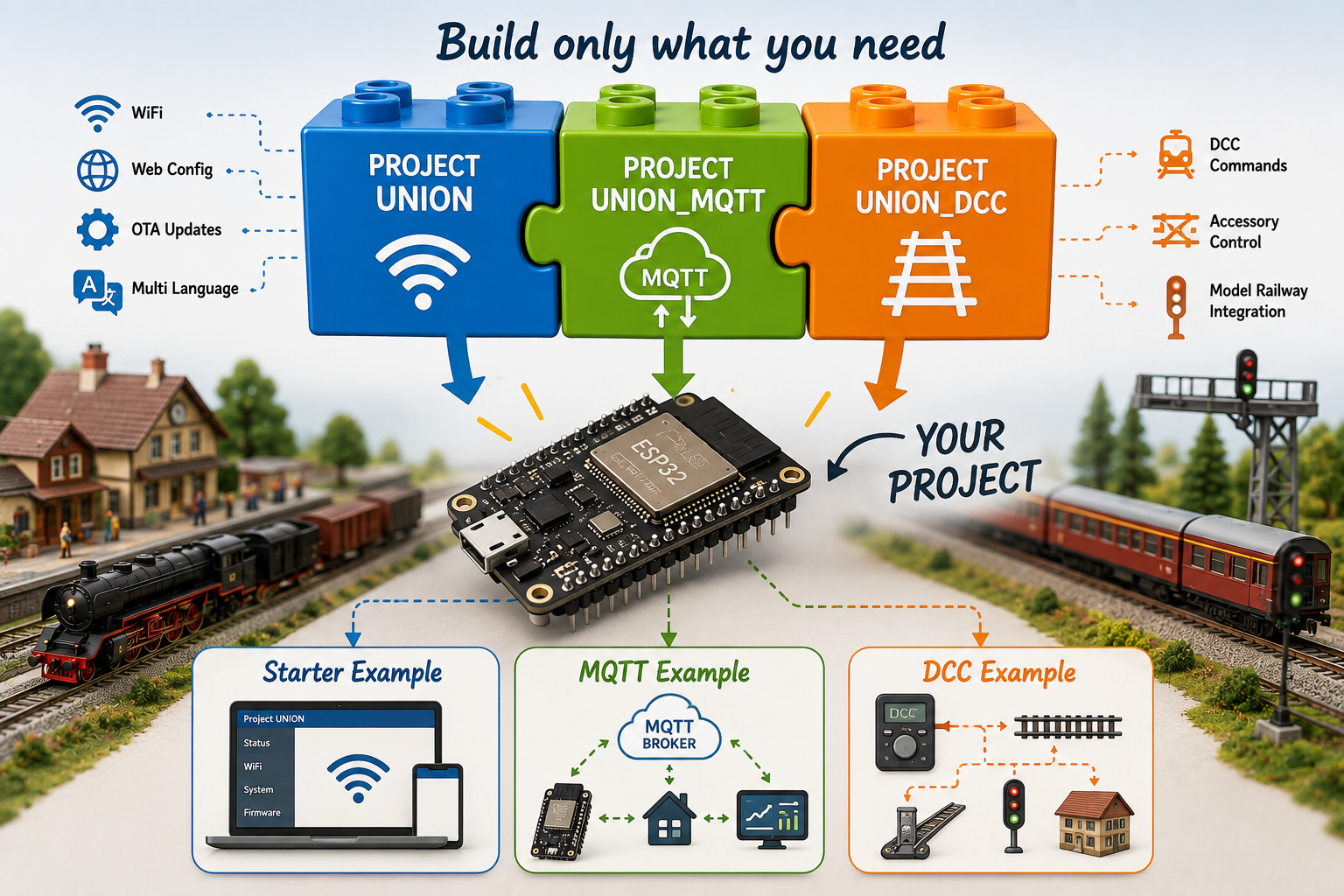
Project UNION is a collection of reusable libraries designed to make ESP32 projects easier to develop, configure and maintain.
Instead of writing the same code for every new project, Project UNION provides a common platform with ready-to-use functions such as WiFi configuration, multilingual web pages, OTA firmware updates, MQTT communication and DCC support.
The libraries are modular. This means you only include the functionality your project actually needs. A simple project may only require the core library, while more advanced projects can add MQTT communication, DCC control, or both.
Each library also includes a fully documented example project. These examples are a great starting point for your own developments and demonstrate how the libraries are intended to be used.
In the following pages you will get an introduction to each library and the example project that comes with it.
ProjectUNION – The Core Library
Every Project UNION application starts with the ProjectUNION library.
It provides all the common functionality needed by most ESP32 projects, allowing you to focus on your own application instead of writing the same infrastructure over and over again.
The library includes:
WiFi Configuration – Easy connection to your home network. Web Configuration – Configure your project from any web browser. OTA Firmware Updates – Update your ESP32 without reconnecting a USB cable. Multilingual Interface – Create web pages in multiple languages. Configuration Storage – All settings are automatically saved and restored after power-up.
The ProjectUNION library is the foundation for every Project UNION project. Additional libraries, such as MQTT or DCC, can easily be added when your project requires more functionality.
The ProjectUNION_DCC library adds DCC accessory control to your Project UNION applications.
It allows your ESP32 projects to receive DCC commands directly from your digital model railway system, making it easy to control accessories such as signals, turnouts, lights, servos and many other devices.
The library provides:
DCC Command Reception – Receive DCC accessory commands from your layout. Accessory Decoder Support – Build your own custom DCC accessory decoders. Easy Integration – Compatible with digital systems such as ECoS, CS3, Win-Digipet and other standard DCC controllers. Simple Programming Interface – Focus on what should happen when a DCC command is received, while the library takes care of the communication.
Like the MQTT library, ProjectUNION_DCC extends the ProjectUNION core library. This means your project automatically benefits from WiFi configuration, multilingual web pages, OTA firmware updates and configuration storage.
The ProjectUNION_MQTT library adds MQTT communication to your Project UNION applications.
MQTT is a lightweight messaging protocol that allows your ESP32 projects to exchange information with other devices and software in real time. Instead of working as a standalone device, your project becomes part of a larger connected system.
The library makes it easy to:
Publish Data – Send sensor values, status information and events. Subscribe to Topics – Receive commands and data from other devices. Home Automation Integration – Connect your projects to platforms such as Home Assistant. Model Railway Integration – Exchange information with applications such as Win-Digipet and other MQTT-compatible software.
The ProjectUNION_MQTT library builds on the ProjectUNION core library, so all WiFi, web configuration and multilingual features are already available.
One of the strengths of Project UNION is its modular design.
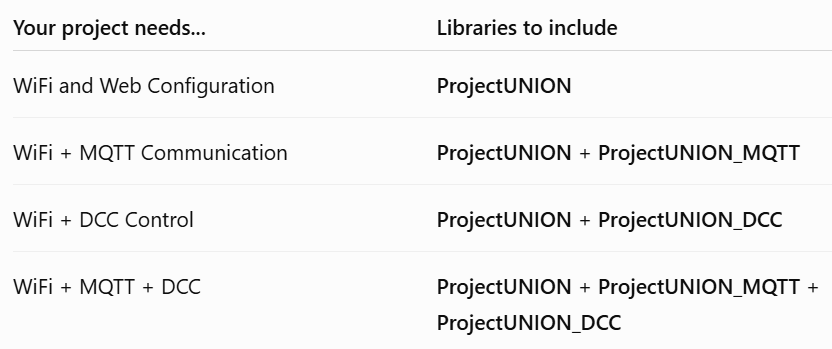
You only include the libraries your project actually needs. Every project starts with the ProjectUNION core library. If your project requires MQTT communication or DCC control, simply add the corresponding library.
The following table will help you choose the right combination.
What's Next?
Congratulations!
You now have an overview of the Project UNION platform and understand how the three libraries work together.
You're ready to build your own ESP32 applications using a modern, modular framework that takes care of the common infrastructure, allowing you to focus on your own ideas.
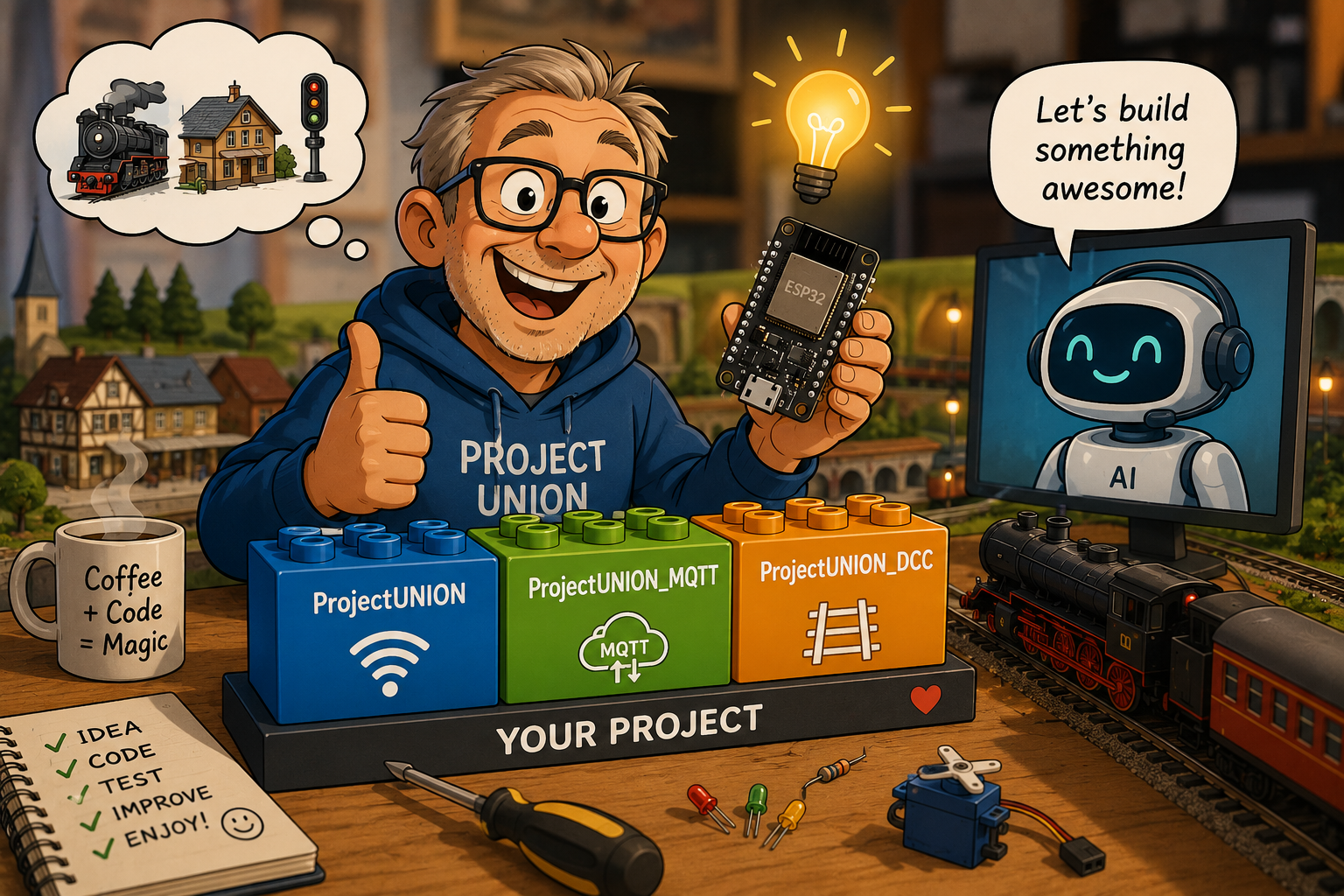
Today, many developers also use AI assistants as a programming partner. AI can help you understand the example projects, explain the code, generate new features, and even write code based on your own ideas.
Project UNION provides the foundation – AI can help you build on it.
Don't be afraid to experiment. Start with one of the example projects, make small changes, ask questions, and gradually build your own applications. That's how most developers learn.